 Overlays Reference
Overlays


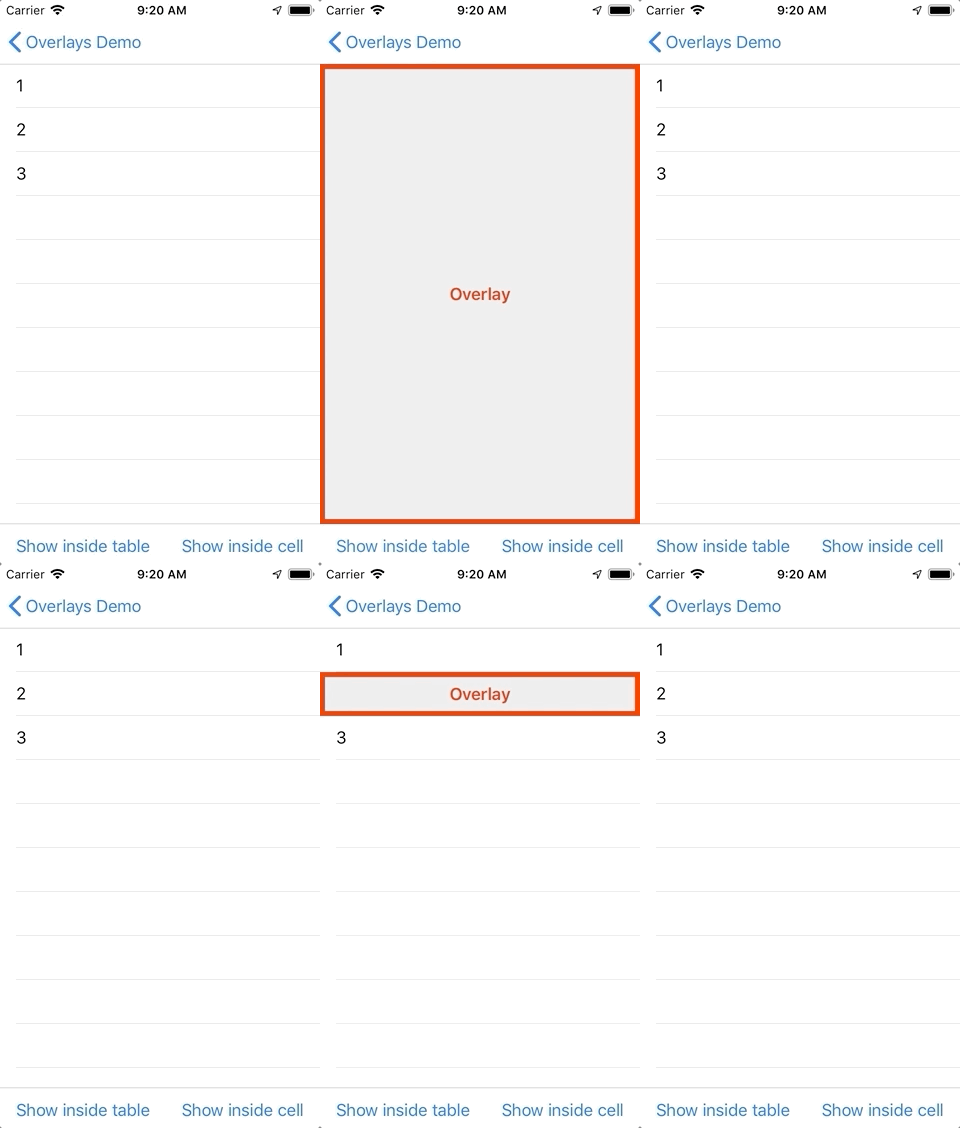
A library for displaying an empty list message or a loading indicator. You can show any custom view atop of a view controller content.
Requirements
- iOS 9+
- Swift 5
- XCode 10.3+
Installation
Overlays is available through CocoaPods. To install it, simply add the following line to your Podfile:
pod 'Overlays'
Example
To run the example project, clone the repo, and run pod install from the Example directory first.
Prepare the overlay view
Create a custom class for the overlay view. Implement the OverlayView protocol.
import Overlays

class CustomOverlay: UIView, OverlayView {
}
Creating overlay views with template
You can use OverlayTemplate class to make overlays.
import Overlays
...
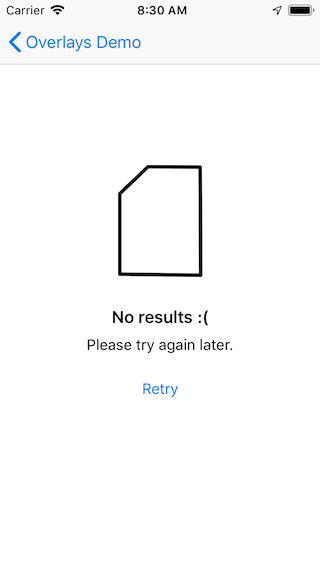
let overlay = OverlayTemplate(alignment: .center)
overlay.addImage(named: "Empty")
overlay.addSeparator(30)
overlay.addHeadline("No results :(")
overlay.addSeparator(8)
overlay.addSubhead("Please try again later.")
overlay.addSeparator(20)
overlay.addButton("Retry", listener: { [unowned self] in self.reload() })
showOverlay(overlay)
You can integrate custom progress indicators as well.
import Overlays
import MBProgressHUD
...
let hudContainer = UIView()
MBProgressHUD.showAdded(to: hudContainer, animated: false)

let overlay = OverlayTemplate(alignment: .center)
overlay.addView(hudContainer)
showOverlay(overlay)

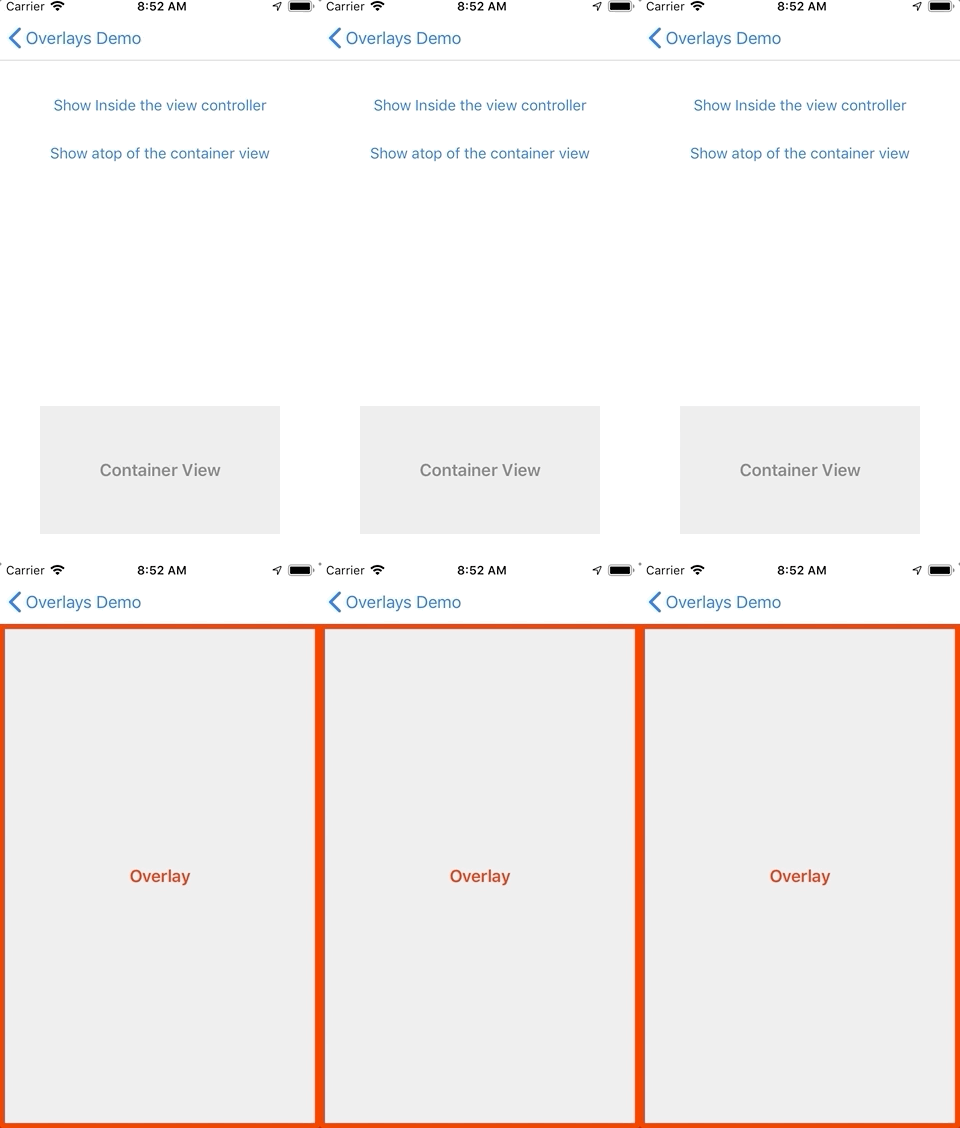
Displaying inside a View Controller
import Overlays

class CustomOverlayViewController: UIViewController {
    @IBOutlet var overlay: CustomOverlay!

    func show() {
        showOverlay(overlay)
    }

    func hide() {
        hideOverlay()
    }
Displaying atop of a View
import Overlays
...
@IBOutlet var overlay: CustomOverlay!
@IBOutlet weak var containerView: UIView!

func show() {
    containerView.showOverlay(overlay)
}

func hide() {
    containerView.hideOverlay()
}
...
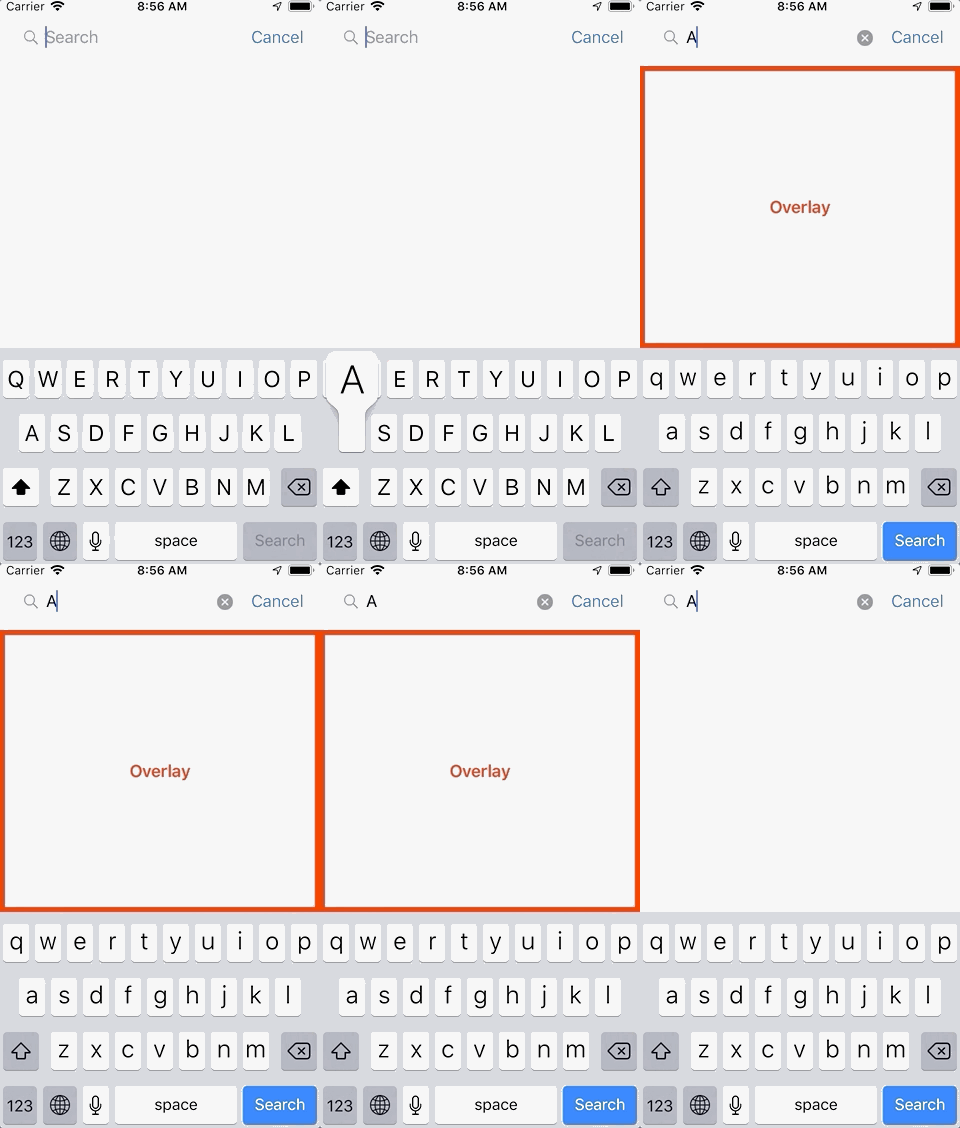
Displaying above the keyboard
import Overlays

class CustomOverlayViewController: UIViewController {
    @IBOutlet var overlay: CustomOverlay!

    private lazy var keyboardAwareOverlays = KeyboardAwareOverlays(controller: self)

    override func viewWillAppear(_ animated: Bool) {
        super.viewWillAppear(animated)
        keyboardAwareOverlays.startListeningKeyboardEvents()
    }

    override func viewWillDisappear(_ animated: Bool) {
        super.viewWillDisappear(animated)
        keyboardAwareOverlays.stopListeningKeyboardEvents()
    }

    func show() {
        keyboardAwareOverlays.showOverlay(overlay)
    }

    func hide() {
        keyboardAwareOverlays.hideOverlay()
    }
Author
Evgeniy Safronov, evsafronov.personal@yandex.ru, https://ios-dev.ru
License
Overlays is available under the MIT license. See the LICENSE file for more info. The MBProgressHUD library, used in the example project, is available under the MIT license.